Best alternative to Rasa
Best alternative to Rasa
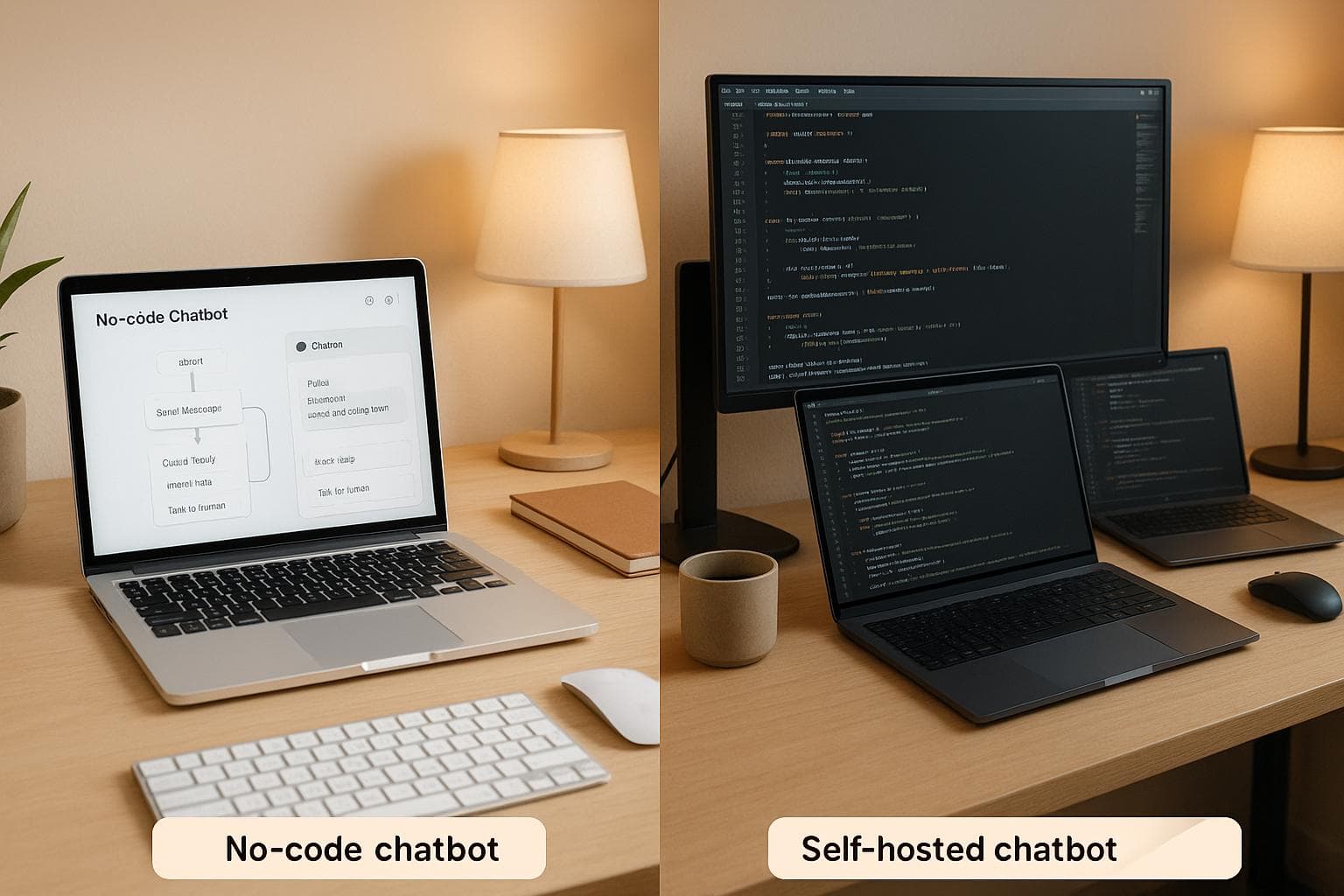
If you're searching for a simpler option than Rasa, OpenAssistantGPT is a standout choice. It’s a no-code platform powered by OpenAI’s models, designed for businesses that want to create chatbots without technical expertise. While Rasa offers extensive customization and control, it requires strong coding skills and significant development resources.
Why OpenAssistantGPT?
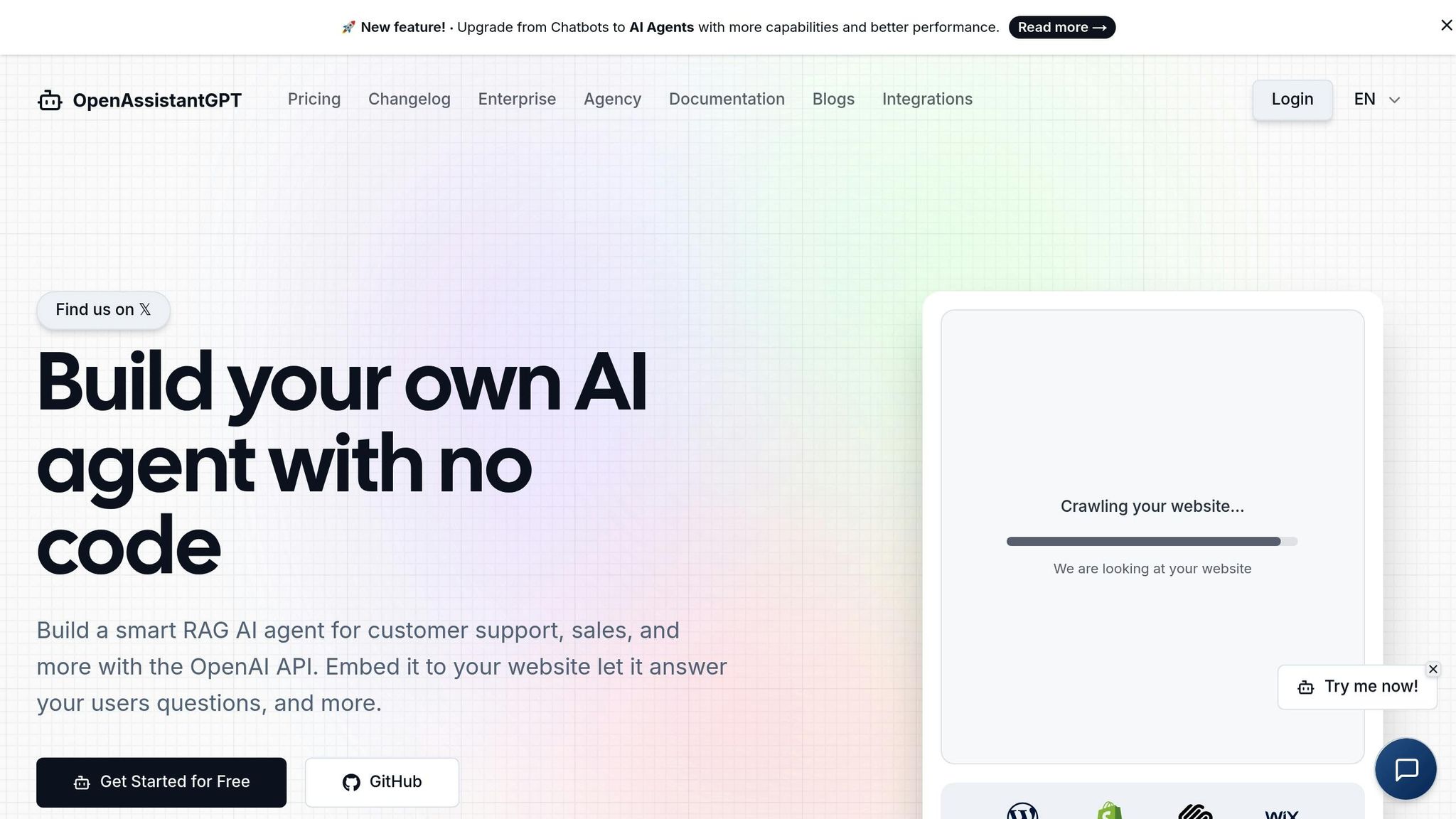
- No-Code Simplicity: Build chatbots quickly without writing code.
- AI-Powered: Uses OpenAI's GPT models for natural, accurate responses.
- Features: Includes web crawling, file analysis, and website integration.
- Flexible Plans: Free and affordable paid options starting at $18/month.
Why Rasa?
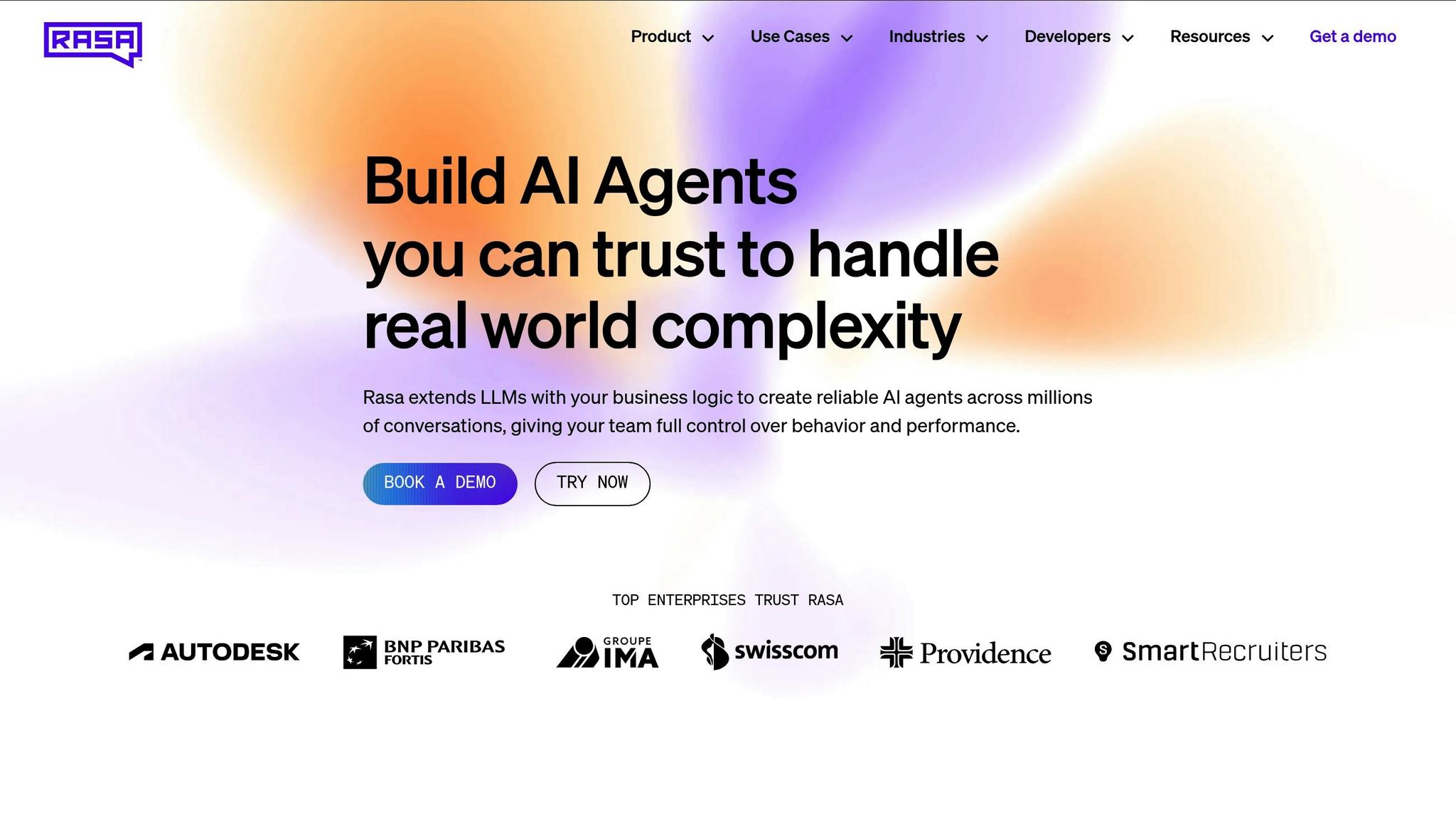
- Customization: Ideal if you need full control over chatbot behavior.
- Data Privacy: Supports on-premises deployment for industries with strict regulations.
- Open-Source: Requires Python expertise but offers deep flexibility.
Quick Take: Choose OpenAssistantGPT for ease of use and fast deployment. Opt for Rasa if you need advanced customization and can invest in technical resources.
1. OpenAssistantGPT
Development Approach
OpenAssistantGPT simplifies chatbot creation with a no-code setup that replaces weeks of programming with just a few minutes of configuration. Designed for ease of use, the platform is ideal for those without technical expertise.
The process is straightforward. After setting up accounts with OpenAI and OpenAssistantGPT, users connect their OpenAI API key through the dashboard. From there, chatbots can be built by either using the built-in web crawler to pull content from websites or uploading knowledge base files, such as spreadsheets with FAQs. Once the data is uploaded, users configure basic settings like the chatbot's name, welcome message, and default prompt. With everything in place, the chatbot can be deployed directly to a website.
This approach empowers marketing teams, customer service managers, and small business owners to create and launch functional chatbots without needing to involve developers. The platform handles all the technical complexities in the background, making it accessible for non-technical users. Its integration with advanced AI models ensures that these chatbots deliver high-quality performance.
AI Model Integration
OpenAssistantGPT uses OpenAI's advanced language models, such as GPT-4, GPT-3.5, and GPT-4o, to power its chatbots. This ensures conversations feel natural and provide contextually accurate responses without requiring additional training.
The platform also incorporates smart RAG (Retrieval Augmented Generation) AI agents, which combine language understanding with document retrieval. This allows chatbots to deliver precise and helpful answers by pulling relevant information from uploaded files or online sources.
Two standout features enhance the platform's AI capabilities:
- Web Search functionality: Chatbots can search the internet for up-to-date information, making them useful for time-sensitive topics like pricing updates or recent product announcements.
- File attachment analysis: Chatbots can process and respond to uploaded files, such as CSVs, XML documents, and images, directly within the chat interface.
Additionally, the platform supports AI Agent Actions, enabling chatbots to interact with external APIs. This allows them to retrieve real-time data, such as inventory levels, order statuses, or account details, extending their functionality far beyond static responses.
With these features, OpenAssistantGPT ensures that its chatbots are both intelligent and versatile.
Deployment Flexibility
OpenAssistantGPT combines the convenience of managed cloud services with the adaptability of open-source tools. The main deployment model is Software-as-a-Service (SaaS), where the platform takes care of infrastructure, maintenance, and updates. Users simply build their chatbots through a web interface and embed them on their websites using a small HTML snippet.
For teams needing more customization, the platform offers an open-source SDK compatible with Next.js and Vercel. This allows developers to customize branding, integrate chatbots with existing applications, or modify the interface to meet specific design needs. The SDK strikes a balance between fully managed SaaS solutions and self-hosted frameworks, offering flexibility without the hassle of managing servers.
The platform supports integration with popular website builders like WordPress, Shopify, and Wix, as well as custom-built sites. The chatbot appears as a widget, automatically adapting to both mobile and desktop screens.
It’s important to note that while the SDK allows for custom deployment, data processing still occurs through OpenAI’s infrastructure. This provides access to OpenAI’s powerful models and updates, though it differs from fully self-hosted solutions where all data remains on-premise.
Cost Structure
OpenAssistantGPT offers a transparent pricing model that scales with usage. Users pay OpenAI directly for API usage while paying OpenAssistantGPT for platform access.
- Free Plan: Includes one chatbot, one crawler, three files, and 500 messages per month - perfect for personal projects or testing.
- Basic Plan: $18/month. Offers nine chatbots, nine crawlers, 27 files, and unlimited messages. Adds features like lead collection, customization options, and chat disclaimers.
- Pro Plan: $54/month. Includes 27 chatbots, 81 files, and support for five custom domains. Removes OpenAssistantGPT branding and enables file attachment analysis.
- Enterprise Plan: Custom pricing. Provides unlimited chatbots, crawlers, files, and custom domains. Includes SAML/SSO authentication and SLA guarantees for uptime and support.
This pricing structure ensures costs grow naturally with usage rather than forcing abrupt upgrades due to message limits.
Enterprise Features
OpenAssistantGPT combines user-friendly design with enterprise-level functionality. SAML/SSO authentication allows businesses to create private chatbots for internal use, making it ideal for employee support systems, internal knowledge bases, or restricted customer portals.
The platform also includes lead collection, which gathers contact information during chatbot interactions. This feature integrates smoothly into conversations, eliminating the need for separate forms and maintaining a seamless user experience.
For businesses focused on brand consistency, the custom domain feature allows chatbots to operate on company-specific subdomains. Combined with the ability to remove OpenAssistantGPT branding, this creates a polished, white-label experience.
Other enterprise features include multi-client management through the dashboard and unlimited chatbot capacity, which simplifies scaling without additional per-client costs.
For development teams, the open-source SDK offers the flexibility to extend chatbot functionality, integrate with proprietary systems, or create custom interfaces. Founded by Marc-Olivier Bouchard, OpenAssistantGPT continues to evolve with active development and community support, ensuring it meets the growing needs of businesses.
2. Rasa
Development Approach
Rasa stands out as a framework designed specifically for developers who want deep customization options. It’s built for teams comfortable with coding custom actions in Python, setting up environments, and fine-tuning machine learning models. This design gives developers complete control over the chatbot's behavior, making it a powerful tool for those with technical expertise. However, this level of complexity can be a hurdle for teams seeking simpler, no-code solutions aimed at non-technical users.
Deployment Flexibility
One of Rasa’s key strengths is its self-hosted deployment model, which gives organizations full control over where their chatbot operates. With options like Docker images and Kubernetes charts, companies can deploy their bots on-premises or in private cloud environments. This ensures that all data processing remains in-house, a critical feature for industries with strict data privacy and regulatory requirements.
For example, healthcare providers often choose Rasa for on-premise deployments to safeguard patient data and comply with regulations like HIPAA and GDPR. However, using Rasa often requires building additional features from scratch, such as role-based access control (RBAC), audit logging, and language routing. While this approach offers unmatched control, it also demands significant development effort - something that sets Rasa apart from platforms offering ready-to-use deployment options.
Enterprise Features
Rasa also caters to enterprise needs by offering full control over infrastructure. For instance, a B2B SaaS company used Rasa’s Python SDKs and custom actions to integrate billing tools and CRM data into their chatbot. This example highlights how Rasa supports deeper customization, though it often requires organizations to develop enterprise-grade features like these internally.
Rasa Explained: Open-Source Conversational AI for Enterprise Chatbots (FULL Control & Privacy!)
sbb-itb-7a6b5a0
Pros and Cons
When deciding between OpenAssistantGPT and Rasa, it’s important to weigh ease of use against the level of control you need for your chatbot deployment. Here’s a side-by-side comparison to help you understand the strengths and limitations of each platform.
| Aspect | OpenAssistantGPT | Rasa |
|---|---|---|
| Ease of Use | Designed for non-technical users with a no-code interface that simplifies chatbot creation. | Requires Python and machine learning expertise, with developers handling custom actions and training pipelines. |
| Time to Deploy | Fast deployment with pre-built features like web crawling, file analysis, and lead collection. Infrastructure is managed in the cloud. | Custom features, model training, and setup demand more time and effort. |
| Customization | Customizations are achieved through platform settings, leveraging OpenAI’s built-in capabilities. | Offers full control over behavior, training data, and NLU pipeline through custom Python code. |
| Deployment Options | Cloud-hosted solution with an optional open-source SDK for self-hosting using NextJS and Vercel. | Supports on-premises deployment with Docker, Kubernetes, and other tools for complete control. |
| Cost Structure | Clear pricing: free for personal use, $18/month for basic needs, $54/month for advanced features, plus custom Enterprise plans. | Free open-source framework, but infrastructure, development, and maintenance costs can add up. |
| Enterprise Features | Includes built-in SAML/SSO authentication, lead collection, custom domains, and branding removal in higher-tier plans. | Enterprise features like RBAC and audit logging must be developed in-house, requiring additional resources. |
| Integration | Native support for OpenAI GPT models (GPT-4, GPT-3.5, GPT-4o, GPT-5) and AI Agent Actions for web search and API queries. | Flexible integration with any NLU model or external system via custom Python code and APIs. |
| Maintenance | Updates, security patches, and infrastructure are automatically managed by the platform. | Your team is responsible for server maintenance, dependency updates, and ML model retraining. |
| Data Privacy | Data is processed via OpenAI’s API under standard cloud security measures, with an open-source SDK for self-hosting. | On-premises deployment ensures full data control, ideal for industries with strict compliance needs. |
| Learning Curve | Minimal learning required; users can quickly create chatbots without technical expertise. | Demands technical knowledge in Python and machine learning. |
| Scalability | Automatically scales with unlimited messages on paid plans, no extra infrastructure required. | Scaling involves manual configuration and infrastructure planning to allocate resources. |
| Support | Offers platform support with SLAs for Enterprise plans, plus extensive community resources and documentation. | Primarily community-driven support via forums and GitHub, with enterprise options available through additional investment. |
OpenAssistantGPT is ideal for businesses looking for a fast, no-code solution that simplifies deployment and minimizes technical overhead. It’s especially useful for small teams or those new to chatbot development. On the other hand, Rasa shines when deep customization and data control are critical. Its open-source flexibility makes it a strong choice for organizations that need tailored solutions or must comply with strict data regulations.
In short, if speed and simplicity are your priorities, OpenAssistantGPT is the better fit. If you need a highly tailored chatbot and can invest in technical resources, Rasa is the way to go.
Conclusion
After reviewing the comparisons, it’s clear that selecting the right chatbot platform depends on your team’s skills and the time you have to implement it. OpenAssistantGPT offers a straightforward, no-code setup, allowing you to launch quickly without dealing with complicated technical hurdles.
For businesses seeking an easy-to-use, effective AI chat solution, OpenAssistantGPT is a solid option. Its no-code design and fast deployment let you concentrate on enhancing customer interactions instead of wrestling with technical details.
Ultimately, the best platform is the one that aligns with your business goals and growth plans. If you’re looking for a smooth and efficient chatbot solution that can grow alongside your business, OpenAssistantGPT could be the perfect fit.
FAQs
How does OpenAssistantGPT simplify ease of use and deployment?
OpenAssistantGPT is built with simplicity in mind, making it easy to use and deploy. Its clean, intuitive interface and practical tools let you dive in quickly, whether you're a developer or a business professional. Plus, with clear documentation and straightforward workflows, you can focus on crafting and improving your conversational AI without getting bogged down in unnecessary steps.
When it comes to deployment, OpenAssistantGPT offers flexible options to suit a range of needs - from small projects to large-scale enterprise applications. Its scalable infrastructure and reliable support ensure a hassle-free setup and steady performance, making it a dependable choice for those prioritizing efficiency and ease.
How does OpenAssistantGPT protect business data and ensure privacy?
OpenAssistantGPT takes the security and privacy of your business data seriously, implementing strong protections to keep it safe. Your data is protected with AES-256 encryption while at rest and TLS 1.2 or higher during transmission, ensuring it stays secure whether stored or in transit.
We are dedicated to upholding top-tier data protection practices, giving you the confidence that your sensitive information is managed with the utmost care and confidentiality.
What is the pricing structure for OpenAssistantGPT, and how does it support businesses as they grow?
OpenAssistantGPT offers a range of pricing plans designed to suit various business needs. Here’s a quick breakdown:
- Free Plan: Perfect for getting started without any cost.
- Basic Plan: Priced at $18 per month, ideal for small teams.
- Pro Plan: Available for $54 per month, suited for more advanced requirements.
- Enterprise Plan: Custom pricing tailored specifically for larger organizations.
This setup allows businesses to begin with what fits their current needs and expand as they grow, making it an affordable choice for teams of all sizes.