Best alternative to Tidio
Best alternative to Tidio
If you're searching for a better option than Tidio, here are the key takeaways:
- Tidio's Limitations: High costs due to automatic tier upgrades, limited customization, restricted AI chatbot capabilities, integration gaps, and technical issues like mobile app sync problems.
- Top Alternatives:
- OpenAssistantGPT: Flexible AI chatbot builder with no-code tools, multiple OpenAI models, and affordable plans starting at $18/month. Offers advanced features like web crawling, file analysis, and secure data handling.
- Intercom: Combines live chat, chatbots, and help desk tools. AI-powered automation handles 51% of inquiries, but setup can be complex.
- LiveChat: Focused on real-time engagement with customizable chat widgets. Plans start at $20/agent/month, but advanced features may require extra subscriptions.
- Drift: Sales-focused platform for lead generation and qualification. Pricing starts at $2,500/month, tailored for B2B companies.
- Zendesk Chat: Part of the Zendesk Suite, integrating chat, ticketing, and support tools. Plans range from $19 to $149/agent/month.
Quick Comparison
| Feature | OpenAssistantGPT | Intercom | LiveChat | Drift | Zendesk Chat |
|---|---|---|---|---|---|
| Starting Price | $18/month | Custom | $20/agent | $2,500/month | $19/agent/month |
| No-Code Tools | Yes | Yes | Yes | No | Yes |
| AI Integration | GPT-4, GPT-3.5, etc. | Fin AI Agent | Via add-ons | Sales-focused AI | Built-in AI |
| Focus | Custom AI Chatbots | Multi-channel | Real-time | Lead Generation | Unified Support |
| Free Plan | Yes | No | No | No | No |
For a cost-effective and customizable solution, OpenAssistantGPT stands out with its straightforward pricing, advanced AI features, and secure data management. Start with a free plan and scale as needed.
1. OpenAssistantGPT
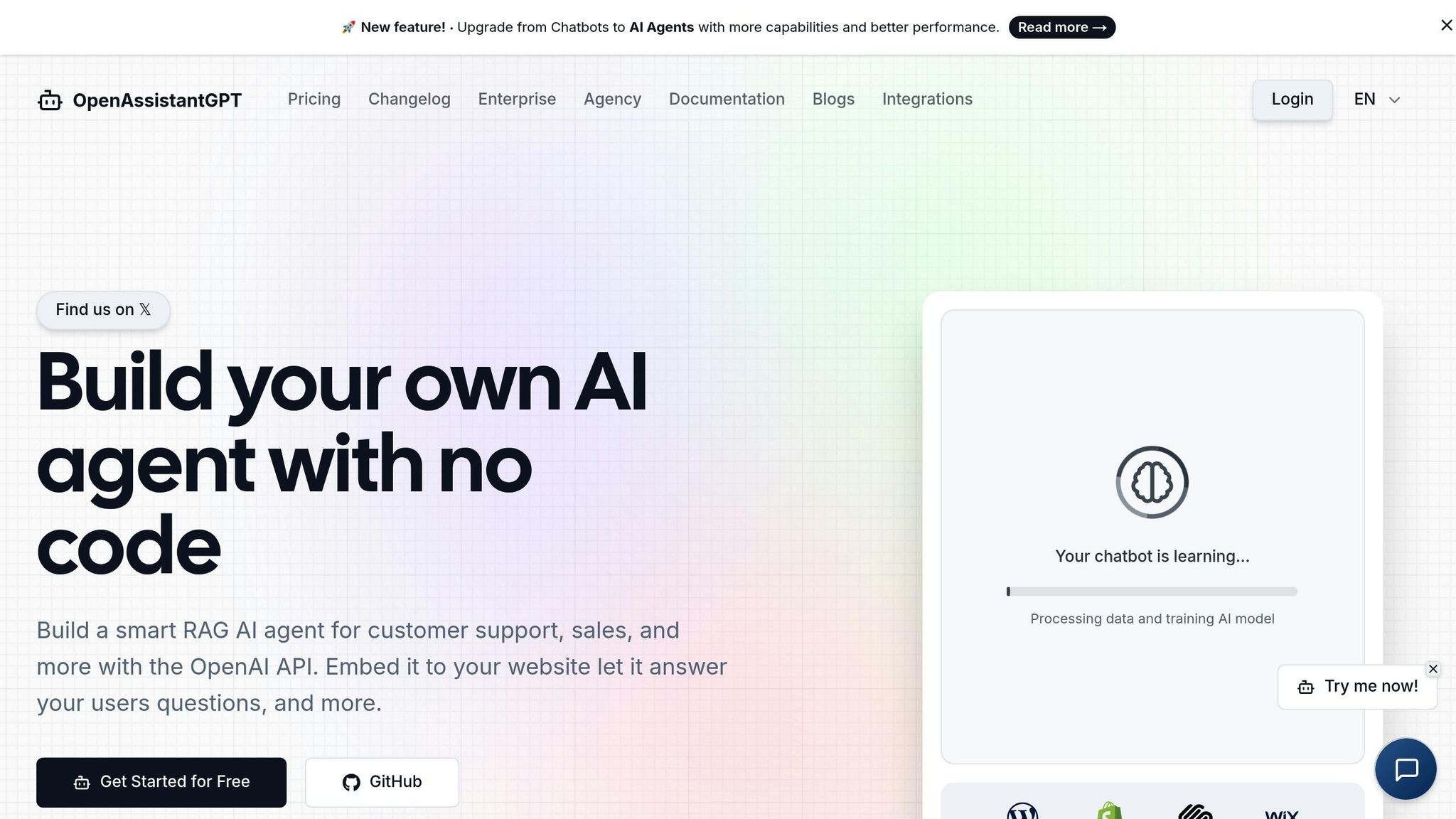
OpenAssistantGPT is a no-code platform designed to help you build AI-powered chatbots using OpenAI's Assistant API. It simplifies the process, making it possible to create customized solutions without any coding experience.
No-code Functionality
With OpenAssistantGPT's intuitive no-code interface, you can build and deploy AI chatbots without needing a development team. This makes it a great option for businesses of all sizes. The platform enables features like web crawling, file analysis, and API queries, handling the technical heavy lifting for you.
For teams wanting more control, an open-source SDK is available. You can also deploy chatbots using tools like NextJS and Vercel. However, the platform's visual interface is robust enough for most needs, providing a seamless experience.
AI Models and Versatility
OpenAssistantGPT supports various OpenAI models, including GPT-4, GPT-3.5, GPT-4o, and GPT-5, allowing you to balance performance, cost, and reasoning capabilities based on your requirements.
The platform's AI Agent Actions feature lets your chatbot query external APIs to retrieve real-time data. Whether it's checking inventory, pulling customer order details, or providing shipping updates, the chatbot can handle these tasks automatically. Additionally, the web search feature ensures the bot has access to the latest information, even beyond its training data, keeping responses precise and relevant.
You can also process different file types - like CSVs, XMLs, and images - directly within conversations. This is especially helpful for support teams managing technical or data-heavy queries.
Security and Data Privacy
For businesses dealing with sensitive information, OpenAssistantGPT offers SAML/SSO authentication, which ensures only authorized users can access your chatbot. This makes it a secure choice for internal tools, employee portals, or client-facing applications that demand strict access controls.
With these security measures in place, the platform is equipped to grow alongside your business needs.
Pricing and Growth Potential
OpenAssistantGPT offers straightforward pricing plans:
- Free Plan: Includes 1 chatbot and 500 messages per month, ideal for testing.
- Basic Plan: $18/month, offering 9 chatbots and unlimited messages.
- Pro Plan: $54/month, featuring 27 chatbots, custom domains, file attachments, and branding removal.
For larger organizations or agencies, the Enterprise Plan provides unlimited chatbots, crawlers, files, and actions, with custom pricing. It also includes an SLA guarantee and full access to all features, making it a strong option for handling complex requirements.
Paid plans come with features like lead collection, enabling businesses to capture customer information during conversations and integrate it into their sales pipelines. The chat disclaimer feature ensures compliance with data protection regulations by transparently informing users about how their data is used.
2. Intercom
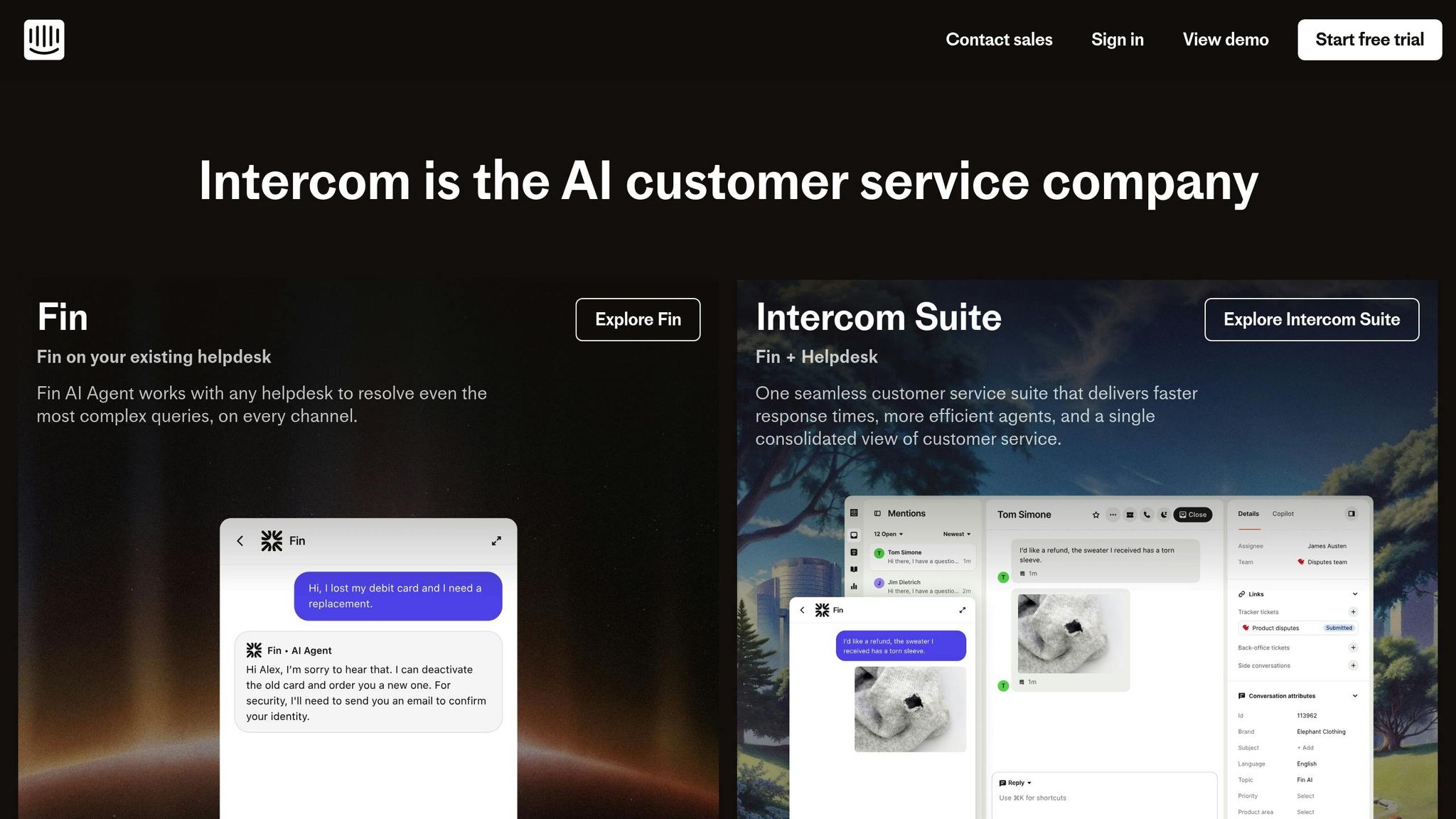
Intercom is a platform designed to streamline customer communication by combining live chat, chatbots, and help desk features. It enables businesses to manage conversations across multiple channels, with AI-powered tools for automated responses.
No-code Capability
Intercom’s Flow Builder makes creating chatbots and mapping conversation paths straightforward - no coding required. You can set triggers based on user behavior and even train its AI bots using your own data, like knowledge base articles, to ensure common customer questions are addressed automatically. Eduardo T., a Management and Data Supervisor, shared his experience:
"Fin simplifies our help center content, delivering information in seconds. It's plug-and-play but requires regular review."
While the Flow Builder is designed to be user-friendly, some users have pointed out that the platform’s wide range of features can take time to fully configure and master.
Intercom’s no-code tools, paired with its AI capabilities, aim to make customer interactions smoother and more efficient.
AI Integration and Flexibility
The Fin AI agent uses help center data to craft tailored responses during live conversations, managing 51% of inquiries without needing human intervention. This efficiency has contributed to Intercom receiving a G2 rating of 4.5/5 stars, based on feedback from over 3,200 users.
3. LiveChat
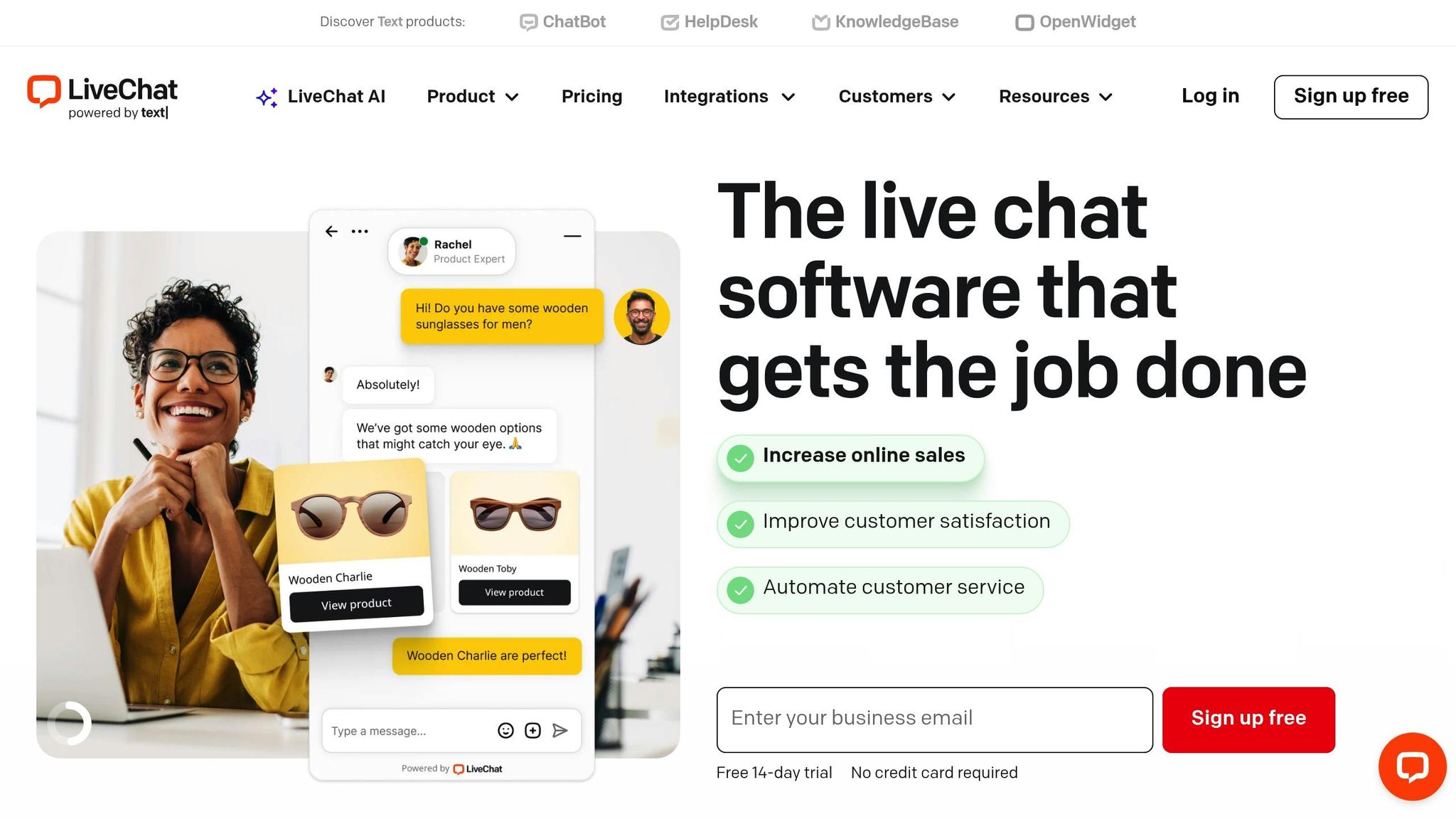
When it comes to AI chat solutions and customer engagement, LiveChat stands out for its ability to connect with visitors in real time. This platform is built to provide instant interaction, combining live chat tools with analytics and automation to drive sales and speed up customer support. With a strong 4.6/5 rating on Capterra, it's a favorite among e-commerce stores, SaaS companies, and service-based businesses.
No-code Capability
One of LiveChat's greatest strengths is its user-friendly, no-code design. You don’t need any technical skills to get started. Its intuitive dashboard allows you to:
- Customize chat widgets to match your brand.
- Set up automated greetings for a personal touch.
- Configure chat routing rules to streamline customer conversations.
Features like canned responses make it easy for teams to handle repetitive questions with pre-written replies. This not only saves time but also ensures consistent communication. Additionally, the platform supports creating custom forms, sharing files, and more - all through simple point-and-click tools.
Paul, a Customer Experience Manager, shared his thoughts on the platform:
"It works! There are so many positive aspects that there is not one that stands out, which means that the tool is correctly balanced to provide all the features needed."
However, keep in mind that LiveChat doesn’t come with a built-in chatbot unless you bundle it with ChatBot.com, which requires an extra subscription for automated conversation flows.
Pricing and Scalability
LiveChat uses a tiered pricing structure based on the number of agents. Plans start at $20 per agent per month and go up to $59 per agent per month. This makes it a flexible option for small teams while still offering scalability for larger businesses.
As your business grows, LiveChat’s advanced features - like detailed reporting and team performance tracking - become even more valuable. The platform also provides insights into metrics like response times, chat duration, and conversion rates, helping you fine-tune your customer interactions.
While the lower tiers are great for smaller operations, businesses with high chat volumes or advanced AI requirements should be prepared for higher costs at the upper tiers. For teams focused on real-time engagement and boosting sales, LiveChat offers the tools to make every interaction count.
4. Drift
Drift transforms website visitors into potential sales opportunities. Unlike platforms that primarily focus on customer support, Drift is tailored for sales-driven organizations. It uses conversational AI to generate leads, qualify prospects, and automate outreach efforts. This makes it especially valuable for B2B companies aiming to book meetings and move prospects through the sales funnel efficiently.
AI Integration and Features
Drift's AI-powered bots handle lead qualification and meeting scheduling automatically. By analyzing visitor behavior, the platform delivers personalized messages that adapt based on user interactions. It also integrates seamlessly with CRMs like Salesforce and HubSpot, ensuring leads are funneled directly to the sales team - perfect for B2B companies looking to turn web traffic into actionable meetings.
Drift also supports account-based marketing, targeting specific companies and assigning high-value leads to the appropriate sales reps while automating responses to lower-priority inquiries.
The platform’s advanced analytics provide insights into your sales pipeline. You can see which conversations lead to meetings, assess the effectiveness of your messaging, and pinpoint where prospects drop out during the qualification process. Additionally, Drift includes features like video chat and voice messaging, giving sales teams more ways to engage with prospects.
Pricing and Suitability
Drift’s pricing reflects its focus on generating high-value leads. The Standard Plan starts at $2,500 per month when billed annually, with higher-tier plans offering more advanced features. This pricing structure is geared toward B2B companies with longer sales cycles and larger deal sizes, rather than businesses with smaller-scale support needs.
sbb-itb-7a6b5a0
5. Zendesk Chat
Zendesk Chat is a key component of the Zendesk Suite, bringing together chat, ticketing, and support tools into one streamlined platform. This setup makes it an excellent option for businesses looking to manage multiple communication channels from a single, unified dashboard. As part of our list of AI-driven chat solutions, Zendesk Chat delivers a well-rounded approach to customer interaction.
The platform has earned strong ratings, with a 4.3/5 score from over 5,790 reviews and a 4.6/5 on G2. Users often praise its mix of robust features and an intuitive interface. However, some have mentioned that the initial setup process can feel a bit daunting. Let’s dive into what makes Zendesk Chat stand out, particularly its integration and automation capabilities.
AI Integration and Customization
Zendesk Chat combines automation with human support, using AI bots to handle routine customer inquiries while seamlessly escalating more complex issues to human agents. Proactive triggers enhance engagement by displaying chat prompts based on visitor behavior, such as lingering on a pricing page or exploring multiple product pages. Additionally, pre-chat forms help capture valuable lead information for sales teams.
One of Zendesk's standout features is its ability to integrate with a wide range of third-party tools. Its reporting and analytics capabilities provide in-depth insights into chat performance, agent productivity, and customer satisfaction metrics. While the platform offers significant flexibility for customizing workflows or pulling data, some of its advanced features may require a bit of technical expertise to fully utilize.
Pricing and Growth Potential
Zendesk offers a 14-day free trial, giving you the chance to explore its features before making a commitment. Pricing plans range from $19 to $149 per agent per month, making it suitable for small teams as well as larger enterprises. These tiered options ensure that Zendesk Chat can grow alongside your business, adapting to your evolving customer service needs.
Feature Comparison
This comparison highlights why OpenAssistantGPT is a smart choice for businesses focusing on efficiency, adaptability, and budget-friendly solutions.
No-Code Setup and Simplicity
OpenAssistantGPT is built for users with little to no coding experience. Its user-friendly no-code builder lets you create and launch a chatbot in under an hour. All you need to do is sign up, pick a model (GPT-4, GPT-3.5, or GPT-4o), upload your files, crawl websites, tweak the widget to your liking, and embed the provided HTML snippet.
Advanced AI and Customization
With OpenAssistantGPT, you can tap into powerful GPT models through OpenAI's Assistant API. The platform supports advanced features like web crawling, file analysis, API queries, and live web searches. Plus, you can customize the widget's appearance - adjusting themes, colors, and backgrounds to align with your brand.
Data Control and Security
For businesses with strict security needs, OpenAssistantGPT includes SAML/SSO authentication for private chatbots. It also offers open-source integration tools, giving developers the flexibility to manage chatbot data. By using your own OpenAI API key, you retain full control over your AI usage and data management - an essential aspect for maintaining privacy and security.
Flexible Pricing Plans
OpenAssistantGPT provides a clear, tiered pricing structure. Options range from free plans for testing to Enterprise packages with unlimited chatbots and custom pricing tailored to your needs.
Scalability for Growing Businesses
Perfect for small to medium-sized companies, OpenAssistantGPT grows with you. Whether you're starting with a single chatbot or scaling up to multiple deployments, its low technical requirements make expansion quick and cost-efficient.
Conclusion
If you're exploring alternatives to Tidio, OpenAssistantGPT stands out with its clear pricing, full control over chatbot data, and flexible customization options. These features make it a top choice for businesses of all sizes.
The platform keeps things simple with its pricing - no hidden fees or unexpected charges. You can start with a free plan and upgrade to options that align with your business growth.
OpenAssistantGPT prioritizes data security and transparency. With open-source code available on GitHub and secure SAML/SSO authentication to limit access to authorized personnel, it ensures sensitive customer information stays protected.
You also have the flexibility to choose between GPT-4, GPT-3.5, or GPT-4o to create a chatbot that fits your needs. The no-code builder allows you to launch your chatbot in under an hour, offering advanced features like web crawling, file analysis, and API queries to help you scale effortlessly. Whether you're a small business or managing thousands of customer interactions, OpenAssistantGPT adjusts to your needs.
Get started with the free plan today, and have your AI chatbot up and running in less than an hour. Upgrade as your business grows!
FAQs
What makes OpenAssistantGPT the best choice for your business needs?
OpenAssistantGPT is a standout no-code platform that works effortlessly with GPT models to build smart, responsive chatbots. It uses Retrieval-Augmented Generation (RAG) alongside OpenAI's Assistant API to deliver precise, data-backed responses tailored to meet your business needs.
Companies using OpenAssistantGPT have seen impressive results, such as a 35% drop in support tickets, 60% faster resolution times, and yearly savings reaching $25,000. It's a practical and budget-friendly way to improve customer support while simplifying operations.
How does OpenAssistantGPT protect business data and ensure privacy?
OpenAssistantGPT places a strong emphasis on data security and privacy, using top-tier encryption methods and strict access controls to safeguard your information. Every interaction is managed with care, ensuring sensitive data stays secure throughout the process.
On top of that, OpenAssistantGPT aligns with key privacy regulations, offering businesses confidence that their data is managed responsibly and with full transparency. Protecting your trust and ensuring security are integral to the platform's foundation.
What features make OpenAssistantGPT a great choice for small and medium-sized businesses?
OpenAssistantGPT caters to small and medium-sized businesses by providing easy-to-use tools that boost both productivity and customer engagement. Its straightforward design makes onboarding a breeze, while its powerful AI features enable tailored customer interactions, helping businesses save both time and effort.
From flexible solutions to smooth integration with your current workflows, OpenAssistantGPT is built to simplify operations without stretching your budget. Whether it’s handling customer queries, automating routine tasks, or enhancing communication, OpenAssistantGPT equips you with the resources to keep your business moving forward.